
What Client Preferences is #
Client Preferences contains numerous settings that affect application functionality across Member Management. Open it from the My Apps page: Settings > Client Preferences. This article briefly covers each section. For the operator workflow inside each one, follow the cross-link to the dedicated article.
Sections in Client Preferences #
Global
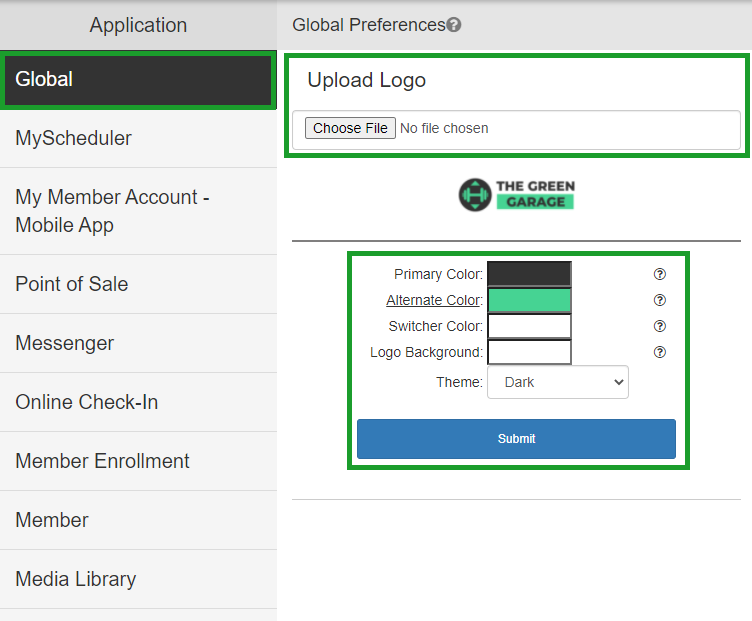
The default section. Upload your club logo, adjust your My Club Business color schemes, and change the theme. See Branding and club info.
My Scheduler
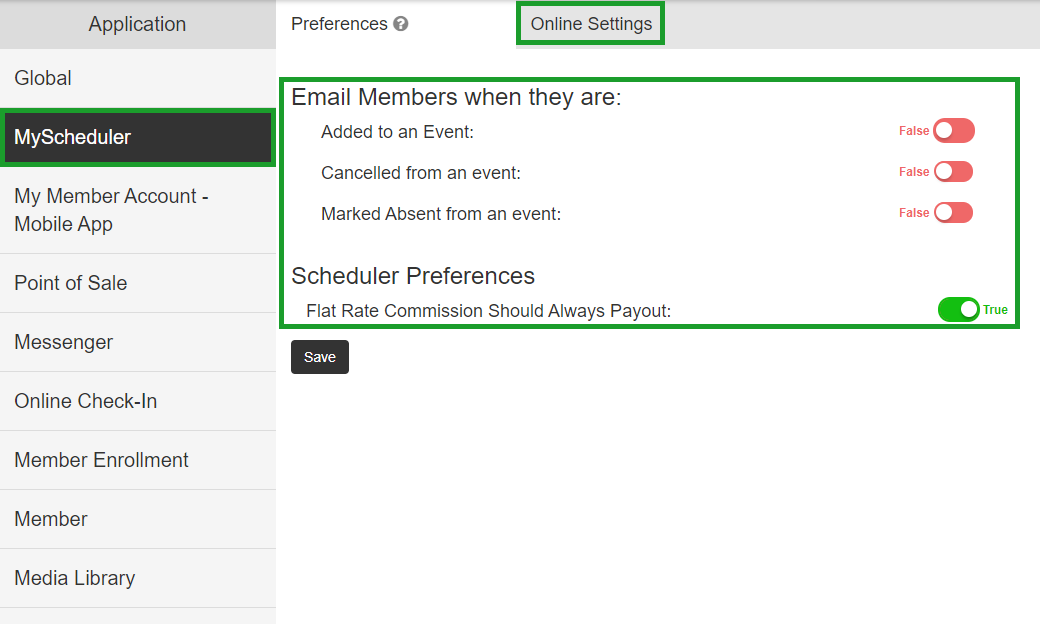
Toggle settings for the My Scheduler application, including member email timing, commission configurations, and online scheduler options. Documented inside the Scheduler sub-section.
My Member Account - Mobile App
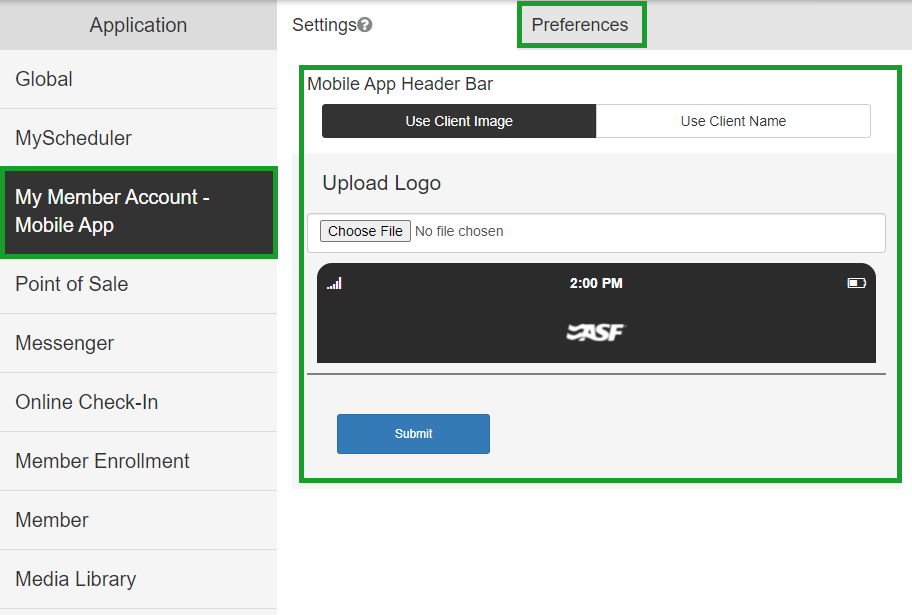
App settings where you can configure club logo display in the header or use the club name, plus member image customization preferences.
Point of Sale
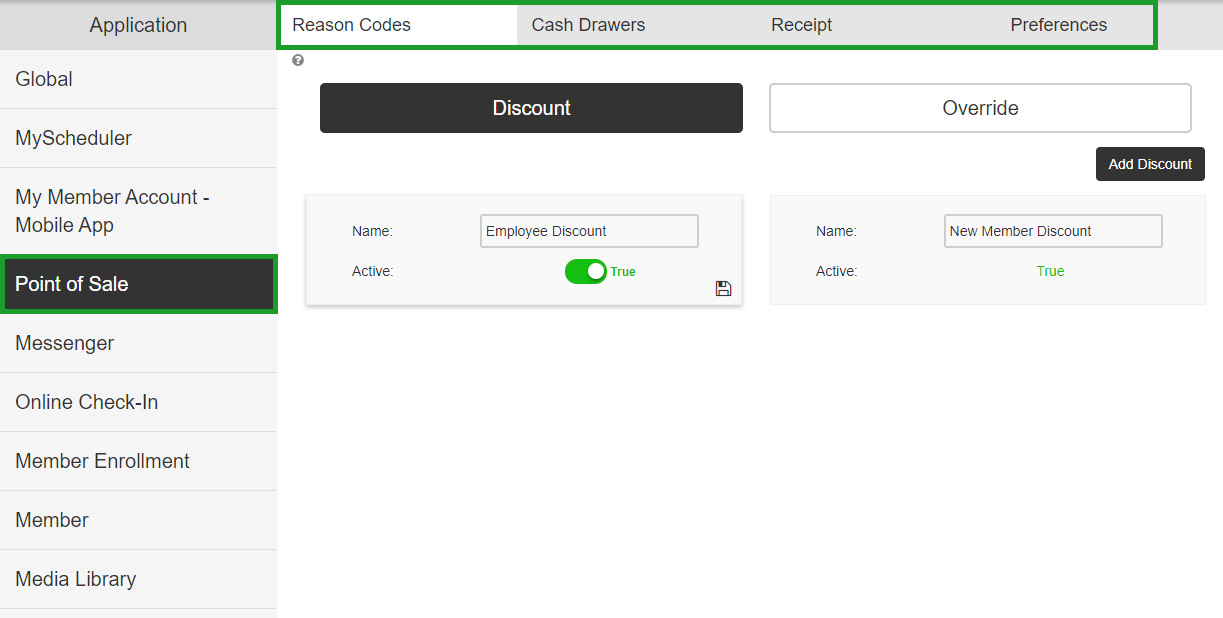
MyPOS settings:
- Reason Codes - used for discounts and item overrides.
- Cash Drawers - add, rename, and deactivate drawers.
- Receipt - preset text appearing on receipts.
- Preferences - additional MyPOS settings.
Documented inside the Point of Sale sub-section.
Check-in
Settings that adjust how members use the Online Check-In application. Documented inside the Check-in sub-section.
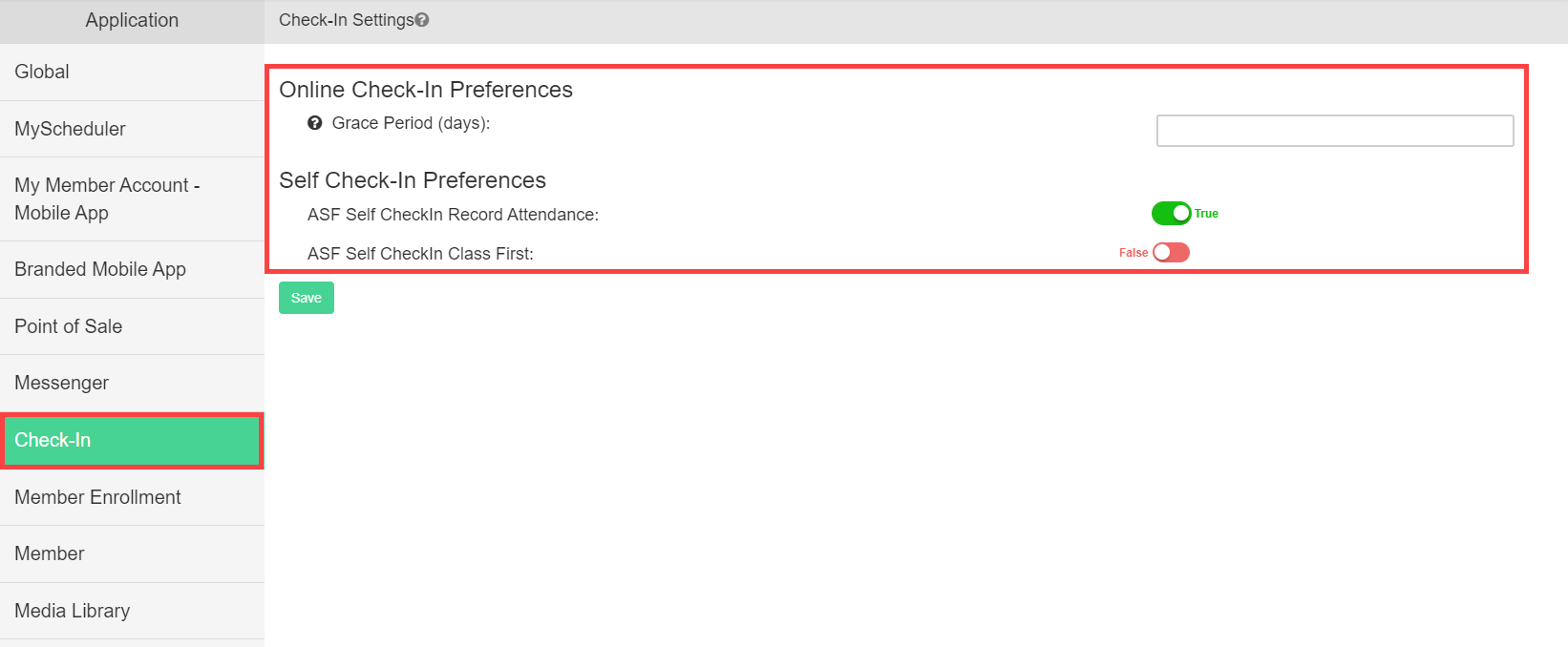
Member Enrollment
Enrollment process modifications including convenience fee settings and external member enrollment terms and conditions configuration. Documented inside the Offers and Enrollment sub-section.
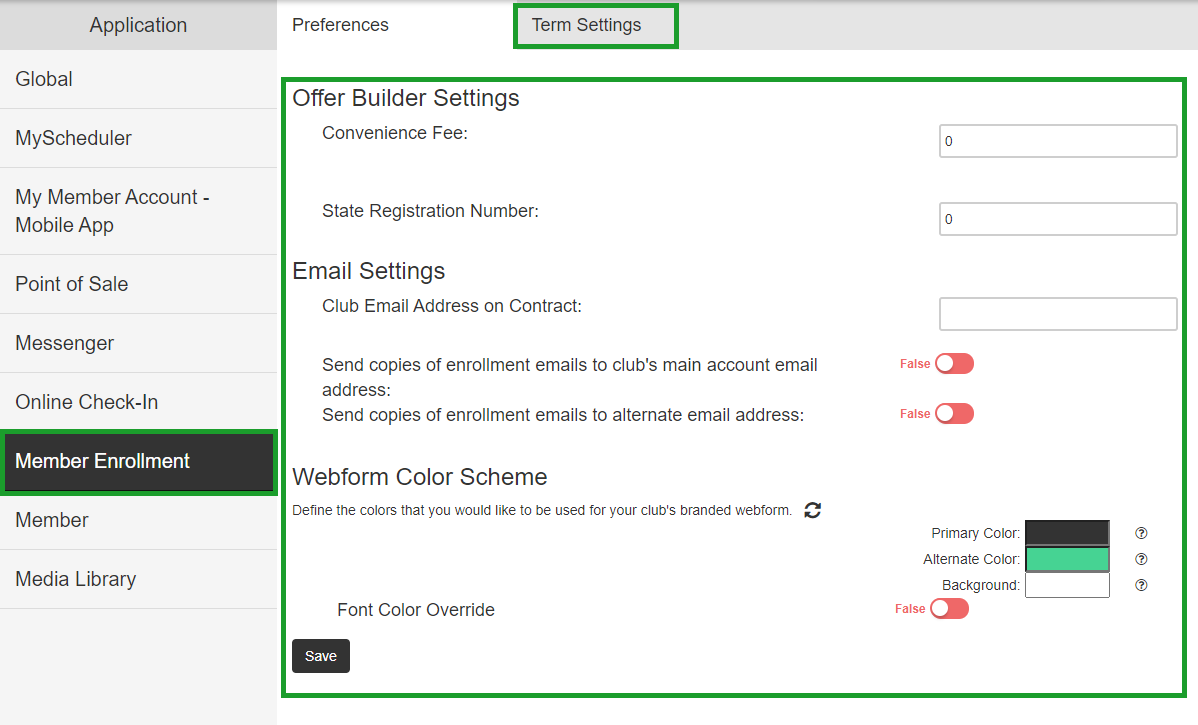
Member
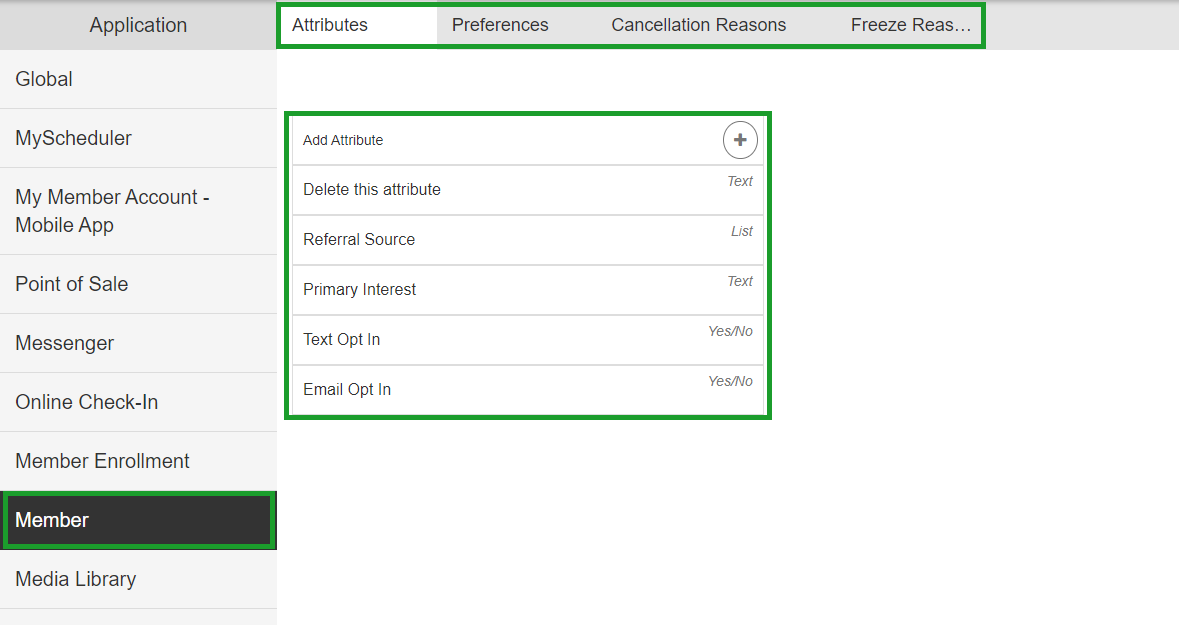
Extensive Member Management options:
- Attributes - create and edit member attributes. See Member attributes.
- Preferences - member account settings.
- Cancellation and Freeze Reasons - preset cancellation and freeze options. See Cancellation and freeze reasons.
- Recurring Add-On Terms - terms for recurring add-ons (appears only with the updated Add-ons feature). See Add-on management.
Media Library
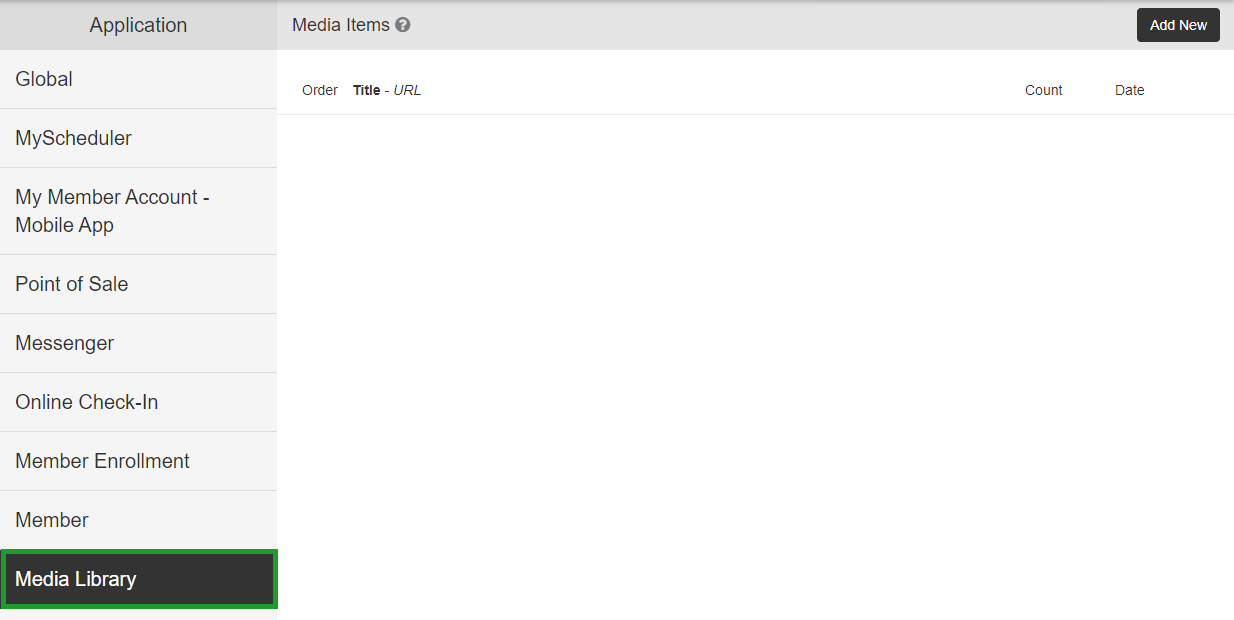
Upload videos for member viewing through the Online Scheduler.
Quick reference: Client Preferences section to article #
- Global → Branding and club info
- Global → Access Control sub-page → Access control
- Member → Attributes → Member attributes
- Member → Cancellation and Freeze Reasons → Cancellation and freeze reasons
- Member → Recurring Add-On Terms → Add-on management
- Setup My ASF → Schedule Ahead → Schedule ahead
- Setup My ASF → Pre-Sale Mode → Pre-sale mode
Need help? #
Contact your ASF account manager at clientsupport@asfpaymentsolutions.com.