
What schedule ahead settings do #
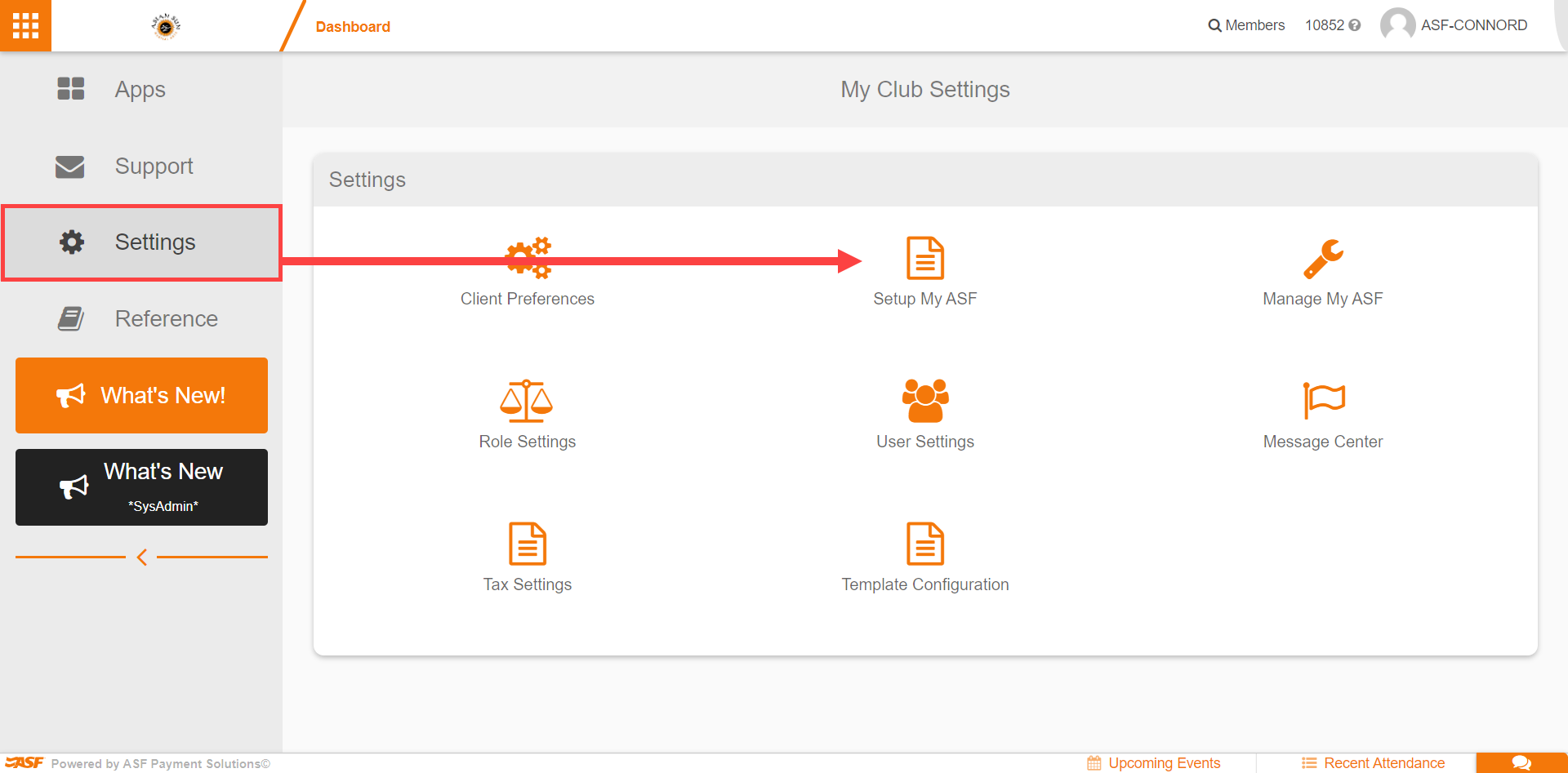
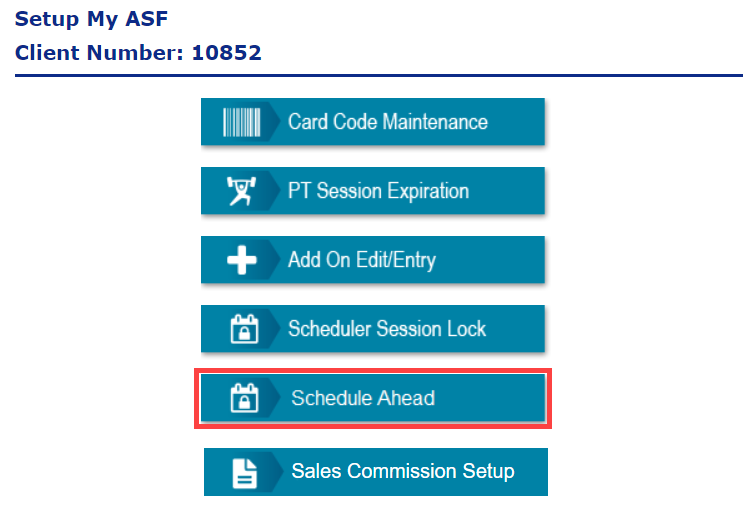
The Schedule Ahead settings in Setup My ASF let you set parameters for members scheduling themselves into and cancelling themselves from events. They define the booking and cancellation windows that apply across every scheduling surface members use.
The three settings #
- Hours Ahead of Class to Cancel: controls the advance notice required for cancellations. A value of 0 removes restrictions. When set to 8, members cannot cancel within 8 hours of class start time.
- Days in Advance that Classes are Visible: determines how far ahead members can view bookable events. At 7 days, only classes within the next week appear as available.
- Hours Ahead of Class to Schedule: restricts booking timing before events. An 8-hour setting prevents bookings in the 8 hours prior to start time.

Where these settings apply #
These controls apply across:
- MyClubAccess mobile app.
- Online Connect scheduler.
- Third-party scheduling integrations (via events API).
The settings establish booking windows that prevent members from registering outside the defined parameters on any of these platforms.
Where to go next #
- For the full scheduling workflow, see Scheduler.
Need help? #
Contact your ASF account manager at clientsupport@asfpaymentsolutions.com.