
How trainers work in My Scheduler #
Trainers and instructors are created in My Scheduler and then assigned to event series. When a trainer is assigned to a series, they appear as a column in the Overview grid, and their events display under that column. Trainer records also tie into commission tracking and reporting.
Accessing trainer setup #
Trainers can be accessed in two ways:
- From the Overview section: select a trainer column to view or edit that trainer's profile.
- From the Browse section: select Trainers from the Browse menu to see all trainer records.
Creating a trainer #
To add a new trainer or instructor:
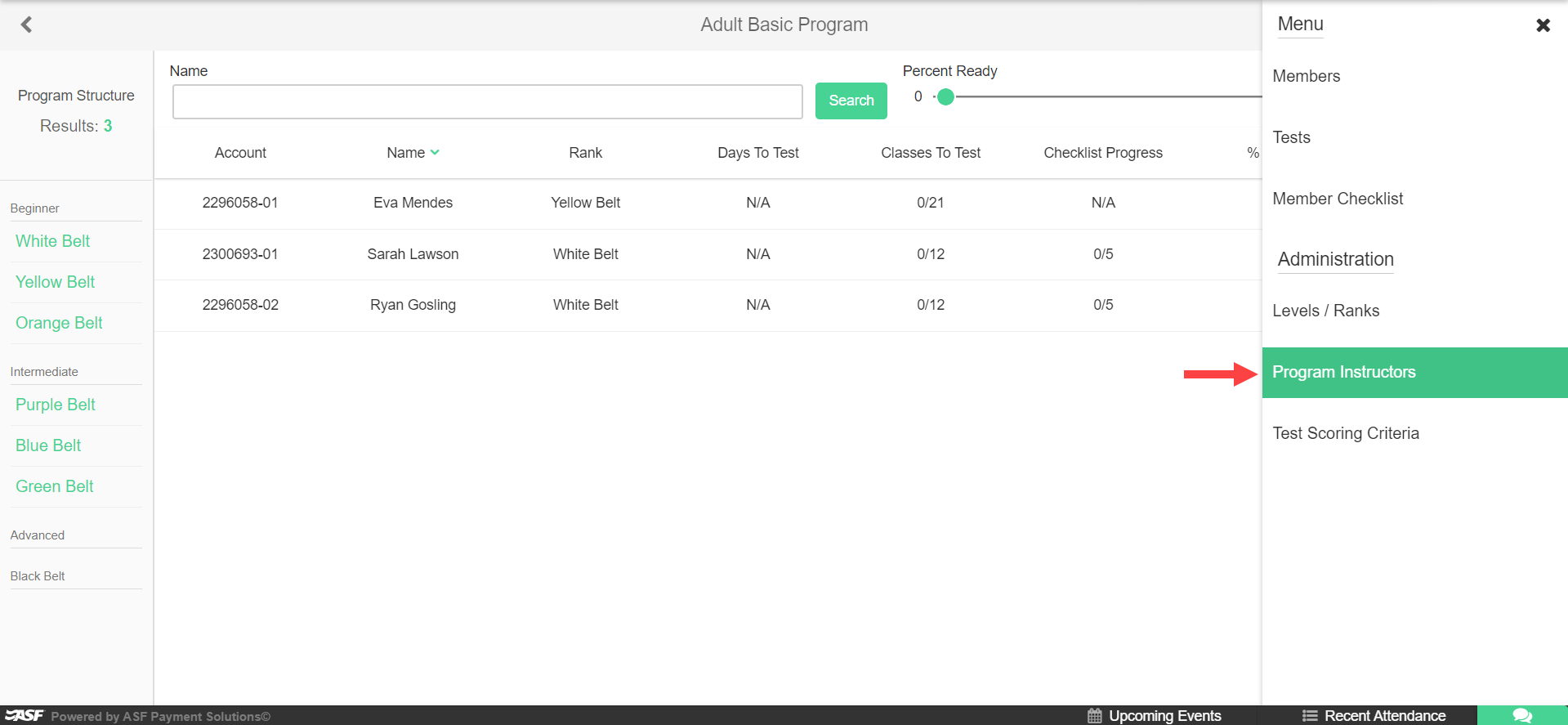
- In the Browse section, select Trainers.
- Click Add Trainer (or the equivalent create button).
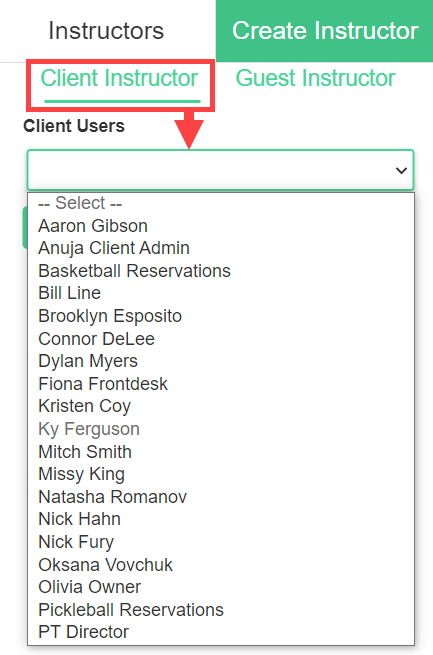
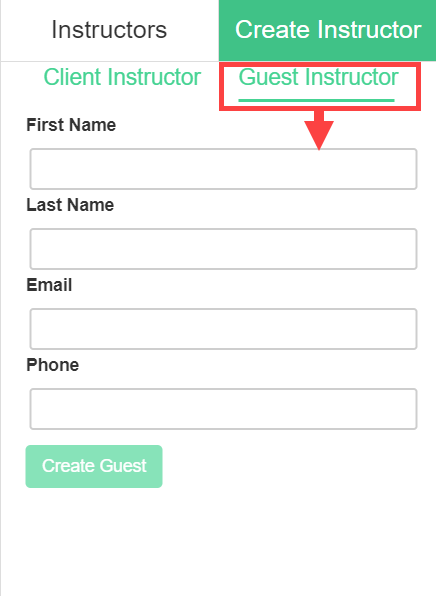
- Choose to create the trainer from an existing user account, or set up a guest instructor who does not have a system login.
- Complete the trainer profile fields including name and any relevant contact information.
- Save the record.
Setting trainer hours #
Trainer availability hours define the time window during which a trainer can be scheduled. Configure these hours on the trainer's profile to prevent events from being placed outside their working schedule.
Assigning trainers to series #
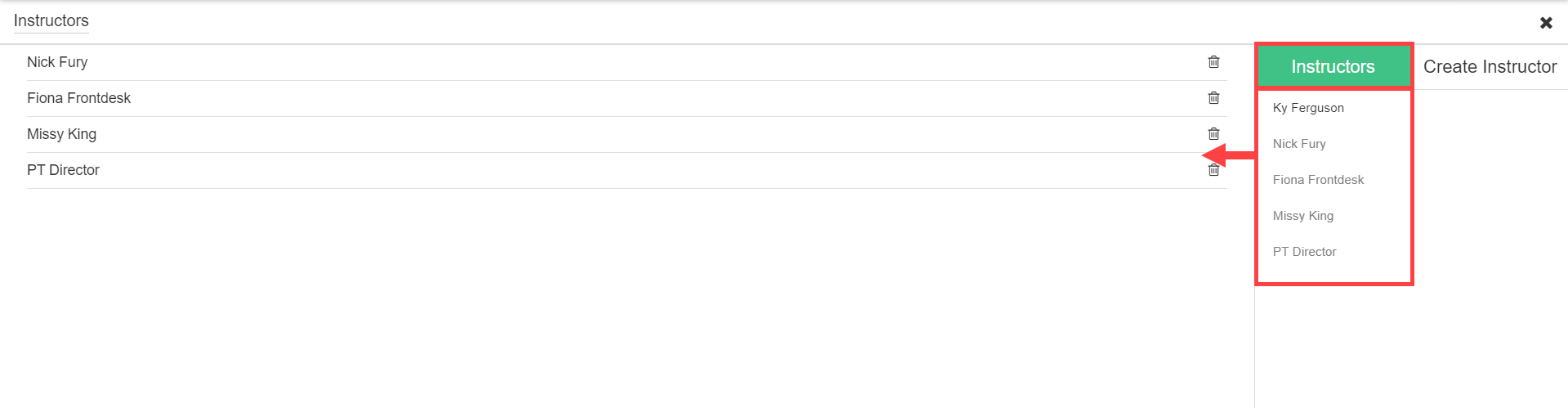
Trainers are assigned at the series level in the Browse section. When configuring a series, select the trainer from the Trainer field. Multiple trainers can be assigned to a single series if needed.
Where to go next #
- To set up commission payments for your trainers, see Trainer commissions.
- To assign trainers to event categories and series, see Categories, event types, and series.
Need help? #
Contact your ASF account manager at clientsupport@asfpaymentsolutions.com.