Member Management / Offers and Enrollment

Online member renewal

Last modified: ~2 min read

What online member renewal does #

The Online Join renewal feature allows existing members to renew their membership independently without visiting the facility. Members access a dedicated renewal page using their account details, review their renewal options, and complete the process online.

Prerequisite #

You must have term settings configured for any offer you plan to have members renew into through Online Join. Renewal terms must be set up in Offer Builder before members can use this feature. See Create a member offer for instructions on setting renewal terms.

Accessing the renewal URL #

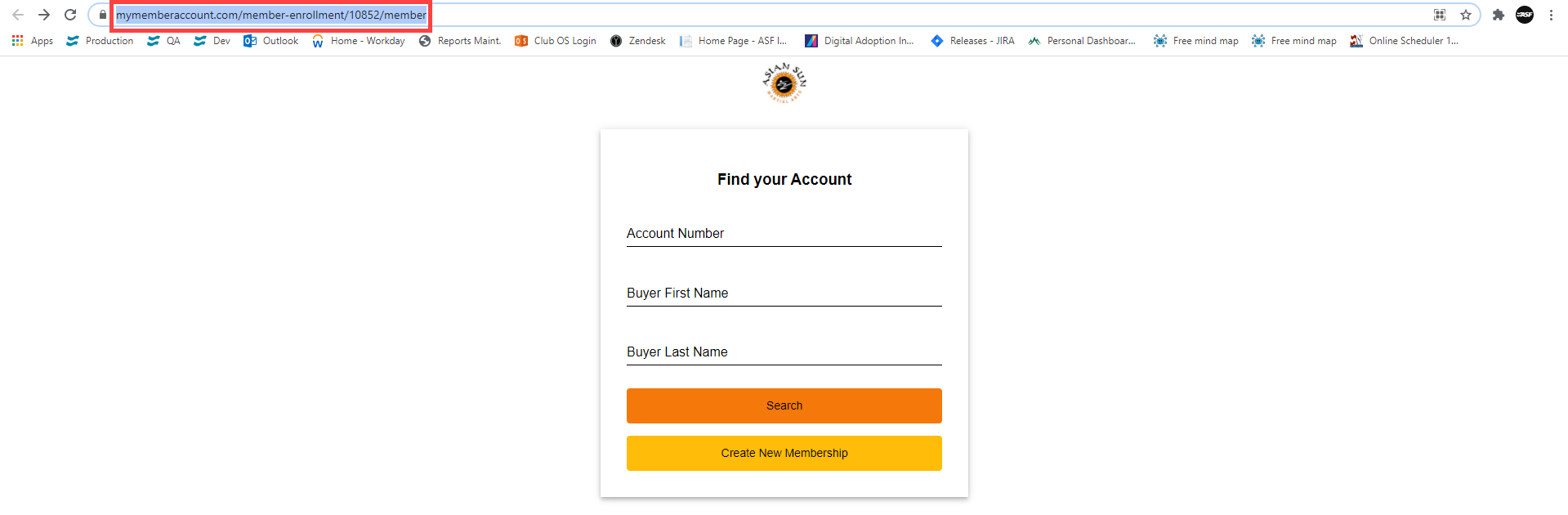
The Online Member Renewal URL is located in the Offer Builder menu from the My Apps page. Copy the URL and distribute it to members through your website, email campaigns, or social media channels.
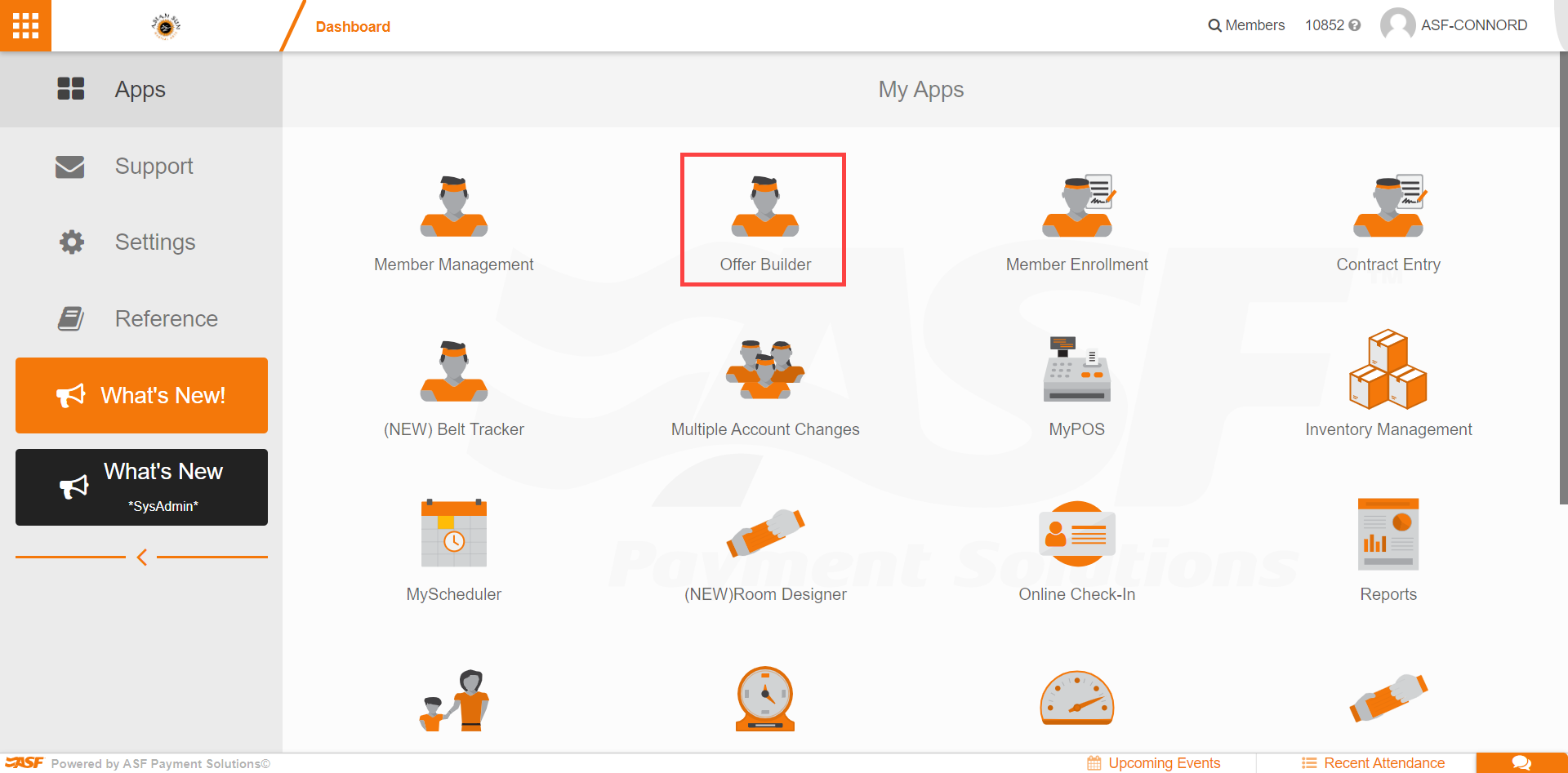
Offer Builder menu open showing the Online Member Renewal Link option among other Online Join link types available for copying and sharing
Offer Builder menu with the Online Member Renewal Link listed alongside the other Online Join link types for copying and distribution.

Member renewal experience #

When a member accesses the renewal page, they follow these steps:

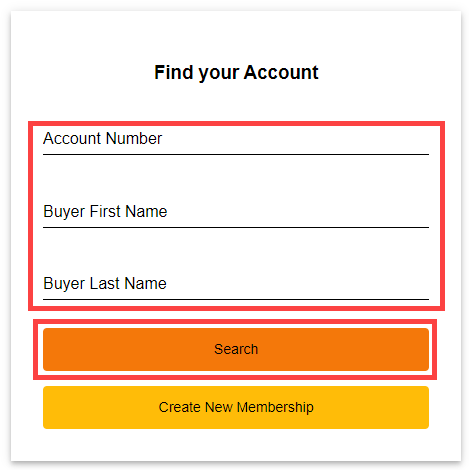
  1. Enter their account number, first name, and last name, then click Search.
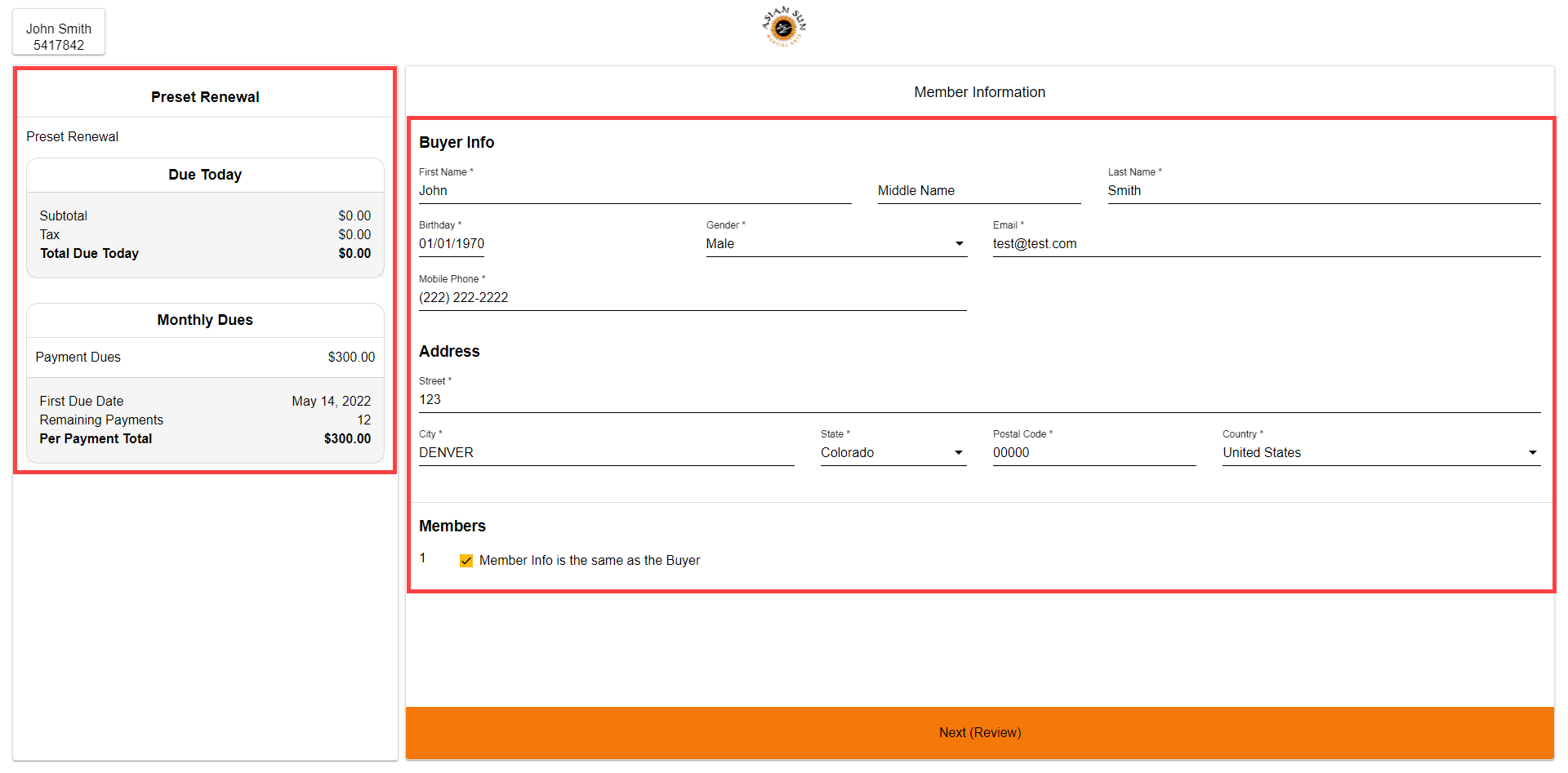
  2. Review the renewal details displayed for their current membership.
  3. Modify account information if needed.
  4. Complete the renewal process, including payment.
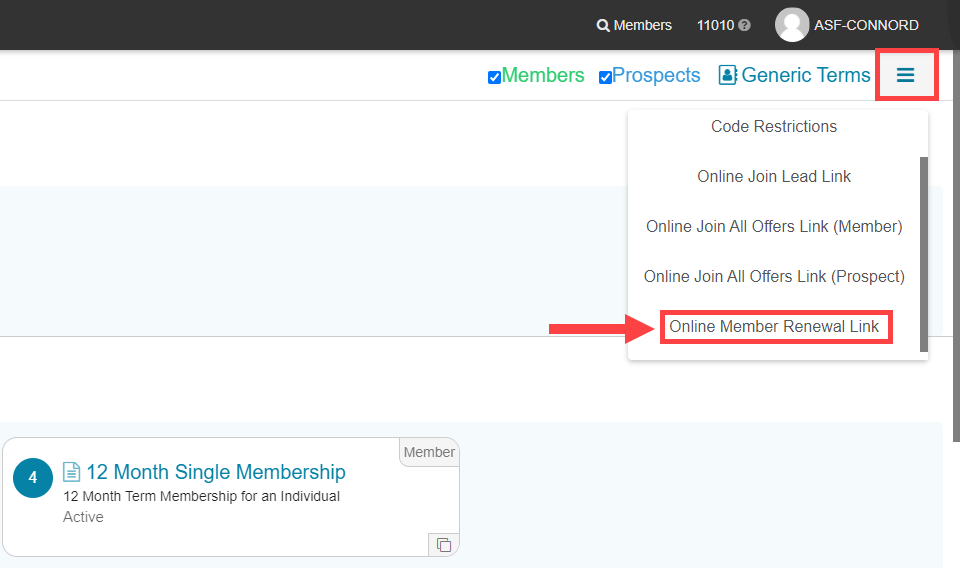
Online member renewal search screen where a member enters their account number, first name, and last name to look up their renewal options
Renewal search screen where the member enters their account number and name to retrieve their available renewal options.

Members who do not have an existing membership to renew may select Create New Membership to begin a fresh enrollment instead.
Renewal details page showing the member's current membership information and the available renewal options they can choose to extend their membership
Renewal details page showing the member's current membership and the renewal options available for them to choose from.
Account information review step during online renewal where the member can verify or update their personal details before completing the renewal
Account information review step where the member verifies or updates their personal details before finalizing the renewal.
Payment and contract signing step during online renewal showing the member completing their payment details and signing the renewed membership contract
Payment and contract signing step where the member enters payment details and signs the renewed membership contract to complete the process.

Need help? #

Contact your ASF account manager at clientsupport@asfpaymentsolutions.com or (301) 304-8841.