
Two ways to find a member #
Member accounts can be pulled up a couple of different ways depending on your personal preference and what is most efficient for your club's workflow.
Quick Member Search #
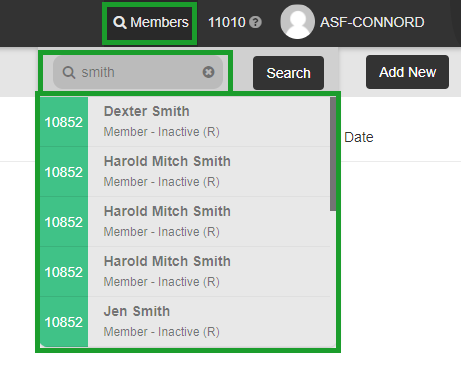
The Quick Member Search tool appears in all screens of My Club Business, so it can always be accessed.

To use the Quick Member Search:
- Select Members from the top right of My Club Business.
- Enter the search information. This can be the member or cardholder's name, account number, phone number, or alternate ID.
- Select the member from the list of results.
Member Management application #
Outside of the Quick Member Search, you can also pull up member accounts through the Member Management application.
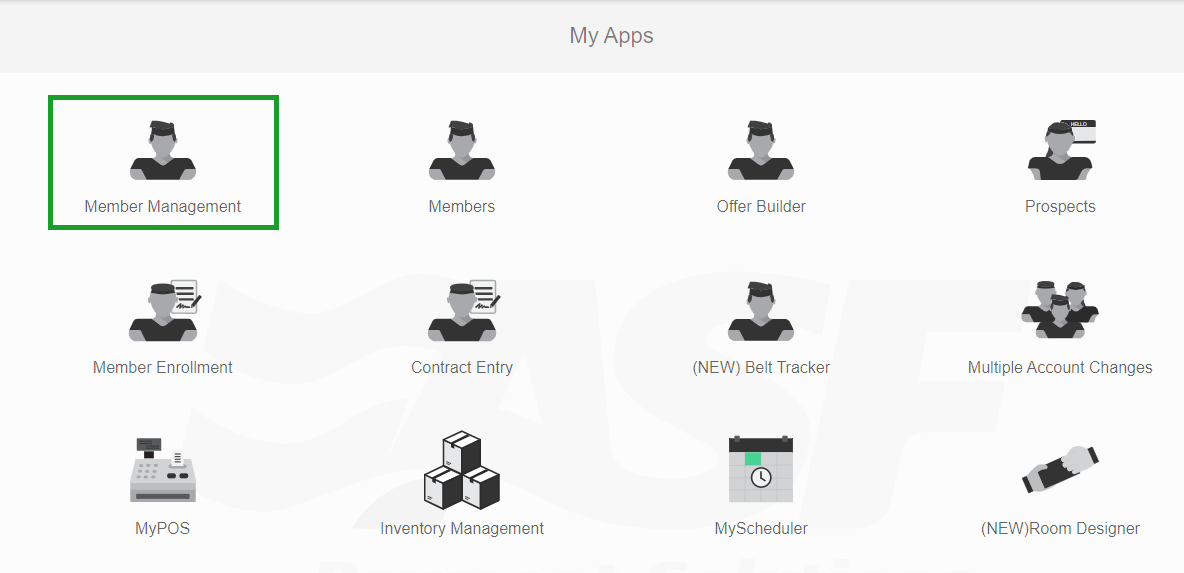
To pull up an account in Member Management:
- Select the Member Management app from the My Apps page.
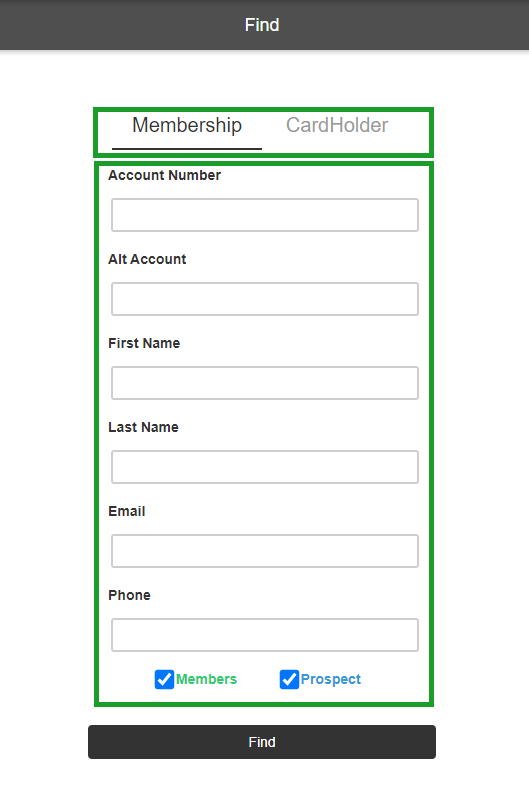
- Enter the search information to find the member or cardholder you need.
- Select the member or cardholder from the list.
Need help? #
Contact your ASF account manager at clientsupport@asfpaymentsolutions.com.