
Download MyClubAccess from the Apple App Store or Google Play Store by searching for MyClubAccess. If you are having trouble signing in or activating your account, find your situation below.
Creating your account for the first time #
To set up your MyClubAccess account:
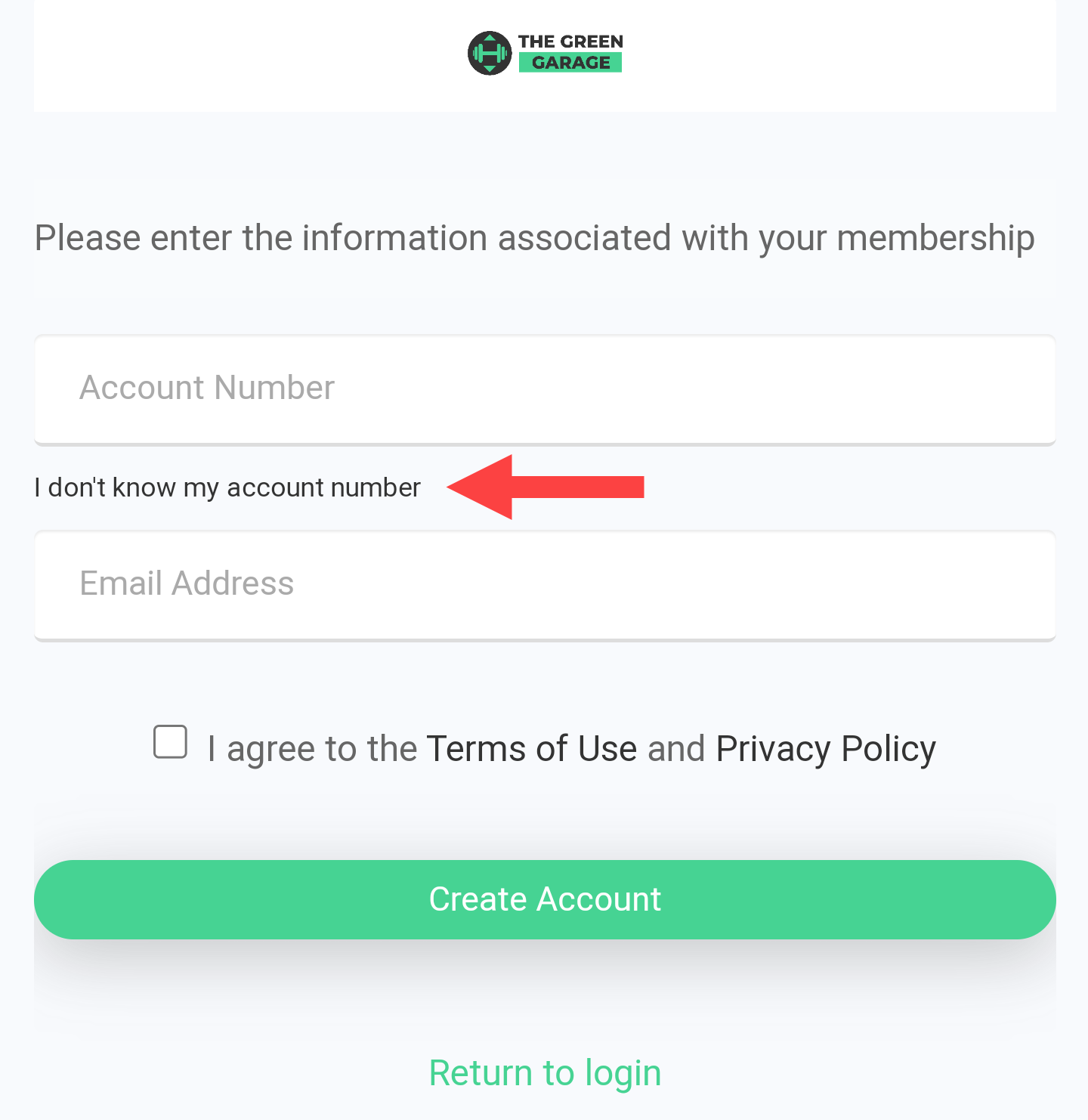
- Open the app and select Activate Account on the landing page.
- Enter your account number and your first and last name, then select Next. Your account number can be entered with or without the sequence number (for example, both 123456 and 123456-01 are accepted).
- Review and agree to the Terms of Use and Privacy Policy, then select Next.
- A verification email with a 6-digit code will be sent to the email address on your account. Enter the code manually. It cannot be copied, pasted, or auto-filled.
- After your account is activated, sign in with your email address and the password you created.
If your gym has more than one location, you will be asked to select a location from a dropdown menu during setup.
Troubleshooting activation and login errors #
"Account Not Found"
This error can appear during account activation for several reasons:
- You have not completed email verification. Check your inbox for the verification email and finish the activation process.
- Your name does not match exactly. Make sure you are using the name on your membership, not a nickname or shortened version. Check for spelling differences.
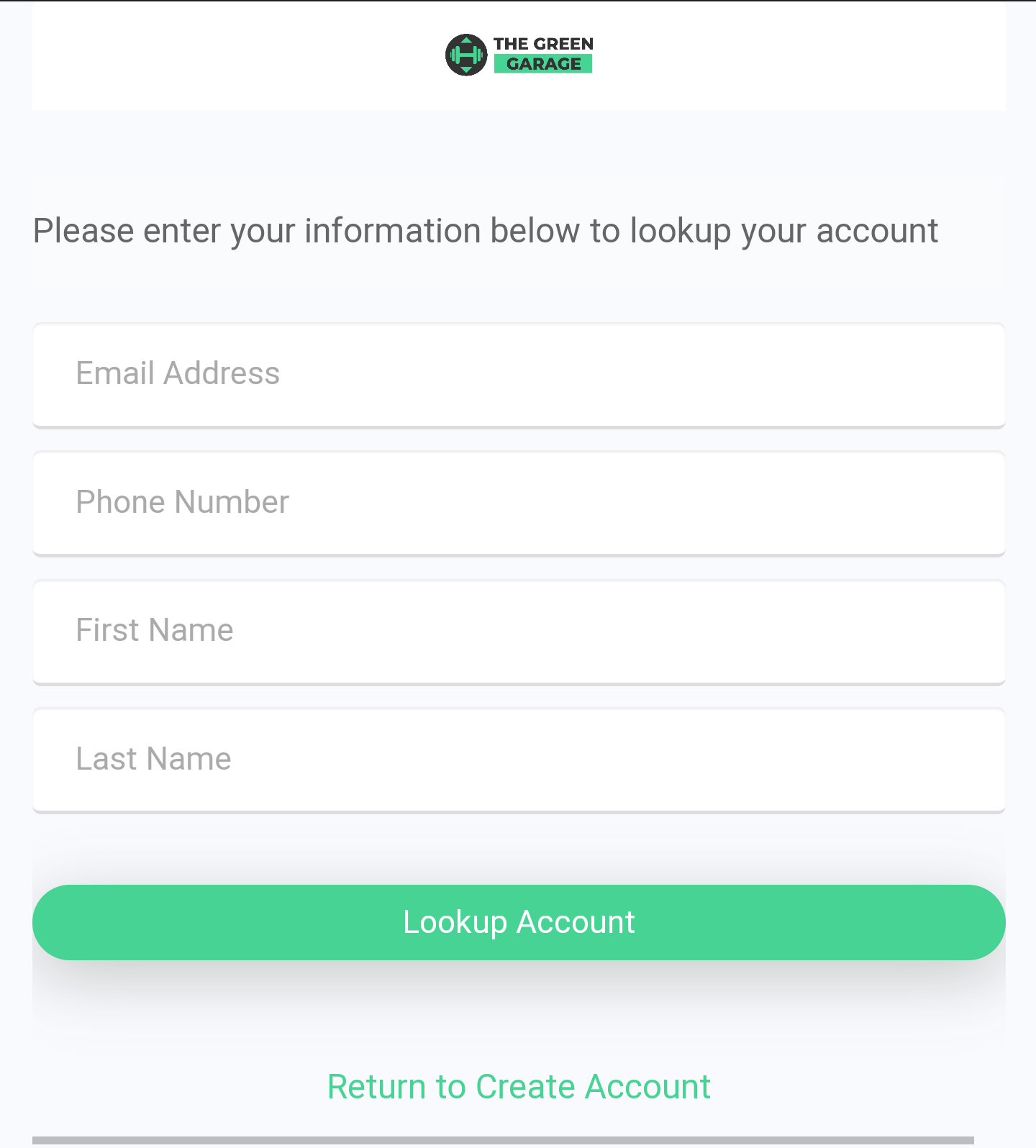
- Your account number or email does not match. Use the I don't know my account number link on the activation screen to look it up.
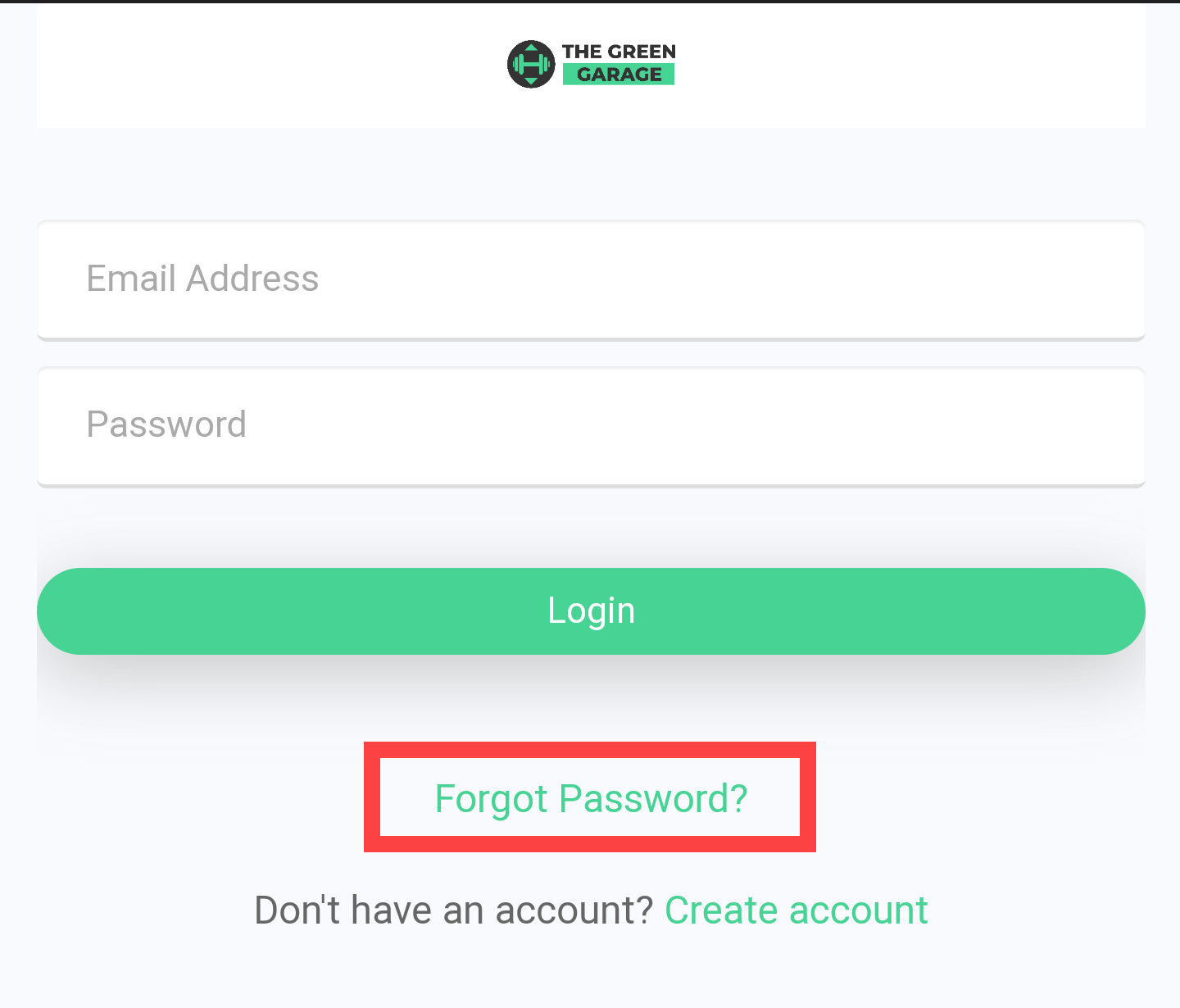
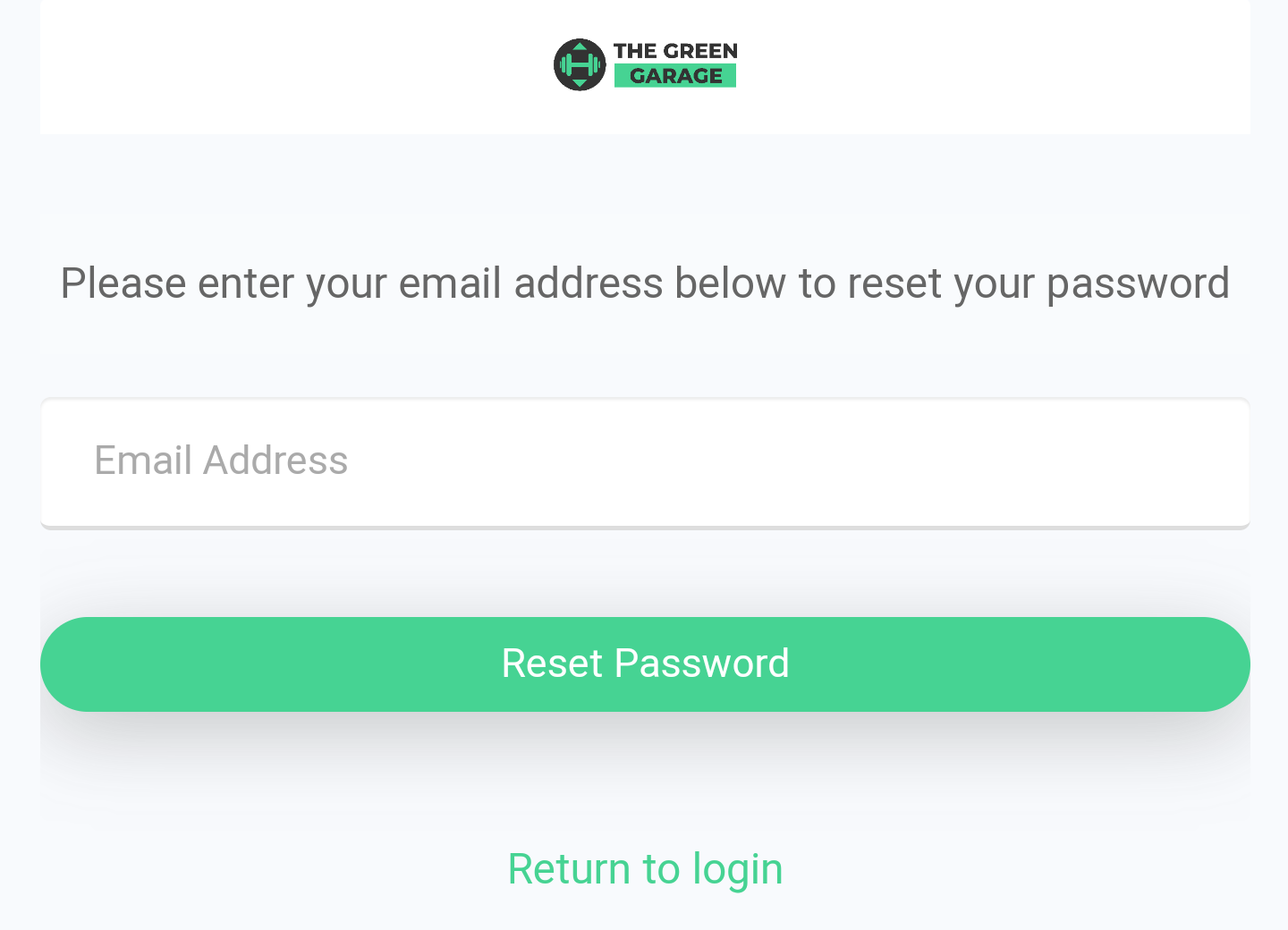
- Your account already exists. If you have activated before, go back to the sign-in screen and use Forgot Password? instead of trying to activate again.
- A connection issue occurred. Wait an hour and try again. If the problem continues, contact ASF Member Support.
Each person on a gym account needs a unique email address. If two household members share an email address, contact your gym to set up separate email addresses for each account. If you do not have a unique email available, an email alias may work as a substitute.
"The account is currently not active"
This message means your account has not finished the activation process. Check your email for the 6-digit verification code and complete the steps to activate your account.
"Account already exists"
This error during account creation means an account with your username or account number already exists in the system. Return to the sign-in screen and select Forgot Password? to regain access.
Need help? #
Contact your gym or fitness club directly for account questions. For technical issues with MyASFAccount, email clientsupport@asfpaymentsolutions.com.